
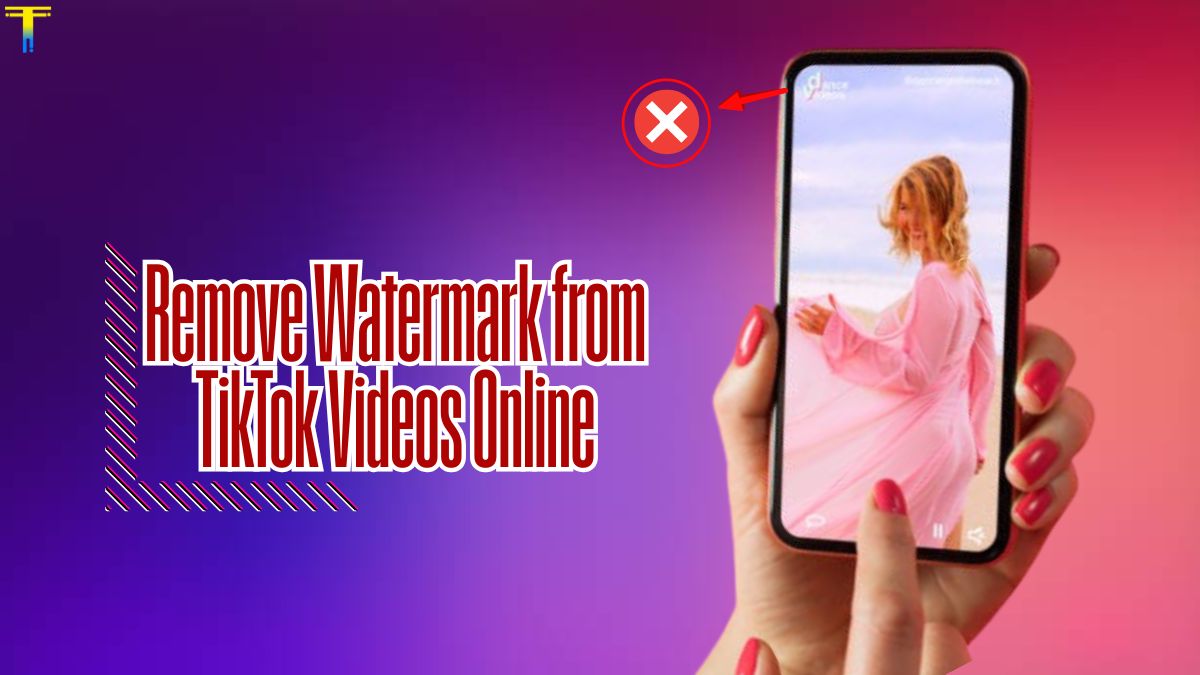
TikTok is one of the most popular platforms for sharing short videos, and its watermark has become a recognizable signature. However, there are times when you may want to remove the watermark from a TikTok video — maybe to repost on another platform like Instagram Reels, YouTube Shorts, or Facebook, or to maintain a clean look for personal use or portfolio. In this blog post, I’ll walk you through how to remove TikTok watermarks online easily, safely, and legally.
Note: Always respect the original creator’s rights. If the video isn’t yours, seek permission before removing the watermark or reposting.
Why Do TikTok Videos Have Watermarks?
TikTok adds a watermark to every video downloaded from its platform. The watermark includes the TikTok logo and the username of the content creator, which shifts position throughout the video. This feature is designed to give credit to the creator and discourage unauthorized reuse.
But if you’re the original creator and want to repurpose your content, or if you have permission to use a clip, you might need a clean, watermark-free version. This is especially true for marketers, influencers, or video editors who want a polished finish.
Is It Legal to Remove TikTok Watermarks?
Removing a watermark is not illegal if you are the original creator of the content or if you have explicit permission from the content owner. However, removing someone else’s watermark without permission and reposting the video as your own can lead to copyright issues and penalties from platforms.
Best Online Tools to Remove TikTok Watermarks
There are several online tools and platforms that allow you to remove watermarks from TikTok videos without downloading any software. Here are a few of the most effective:
1. SSSTik.io

SSSTik.io is one of the most popular and free TikTok video downloader tools that allows you to download videos without watermark. Here’s how it works:
- Copy the link to the TikTok video.
- Go to https://ssstik.io.
- Paste the link into the text box and hit Download.
- Choose the “Without watermark” option and save the video.
It’s fast, free, and doesn’t require registration.
2. SnapTik.app

Another reliable tool is SnapTik:
- Visit https://snaptik.app.
- Paste the TikTok video link.
- Click “Download” and wait for the processing.
- Choose the version without the watermark.
SnapTik works well on both desktop and mobile devices.
Can You Remove Watermark from Already Downloaded TikTok Videos?
Yes, but it’s a bit more complex. If you’ve already downloaded a video with a watermark, you can use video editing tools like CapCut, InShot, or Adobe Premiere Rush to crop out the watermark or blur it using overlays. However, this can affect video quality or cut out parts of the video if not done carefully.
Tips for Maintaining Video Quality
- Avoid cropping too much – Cropping removes the watermark but may change the aspect ratio or cut out important visuals.
- Use AI-based watermark removers – Some tools use artificial intelligence to detect and erase watermarks while preserving the background.
- Try video editing apps – Apps like Remove & Add Watermark (Android) or Video Eraser (iOS) can help you remove watermarks with brush tools.
Final Thoughts
Removing the watermark from TikTok videos is easier than ever thanks to online tools. Whether you’re a content creator looking to cross-post your videos or just want a cleaner clip for personal use, you now have several reliable and free ways to do it. Thanks For Visiting